HLRA Action Portal
Turn committee meetings into tracked, owned, closable actions — with AI-powered reports, integrity checks, and an invite-only workspace.
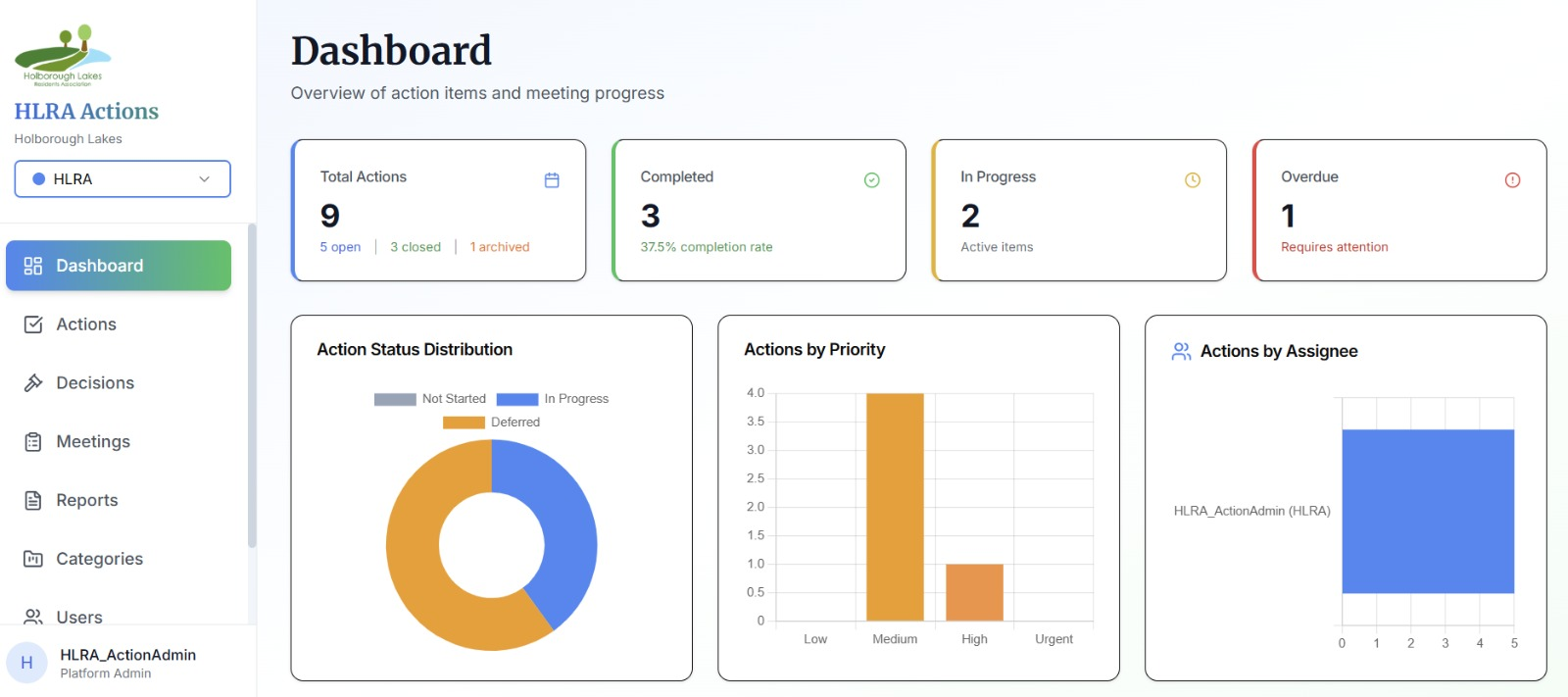
01 · Dashboard — at a glance: Total Actions 9 (5 open, 3 closed, 1 archived), Completed with completion rate, In Progress, and an Overdue tile with red-border attention cue. Plus a status donut, priority bar, and assignee load chart.
The problem
Committee meetings were producing pages of notes, but the actions that came out of them vanished. No one knew who owned what, deadlines slipped, and the same items resurfaced meeting after meeting with no view of risk or velocity.
What we built
A private, invite-only portal where every meeting action is captured with an owner, category, due date, and priority — then backed up by AI-generated reports, meeting-review packs, and admin tools for reference integrity and bulk cleanup. Committees get a live dashboard, per-action comment threads, and printable reports for every meeting, without buying a full project-management suite.
What it does
Features, no fluff.
Invite-only workspace — username or email login, per-group permissions
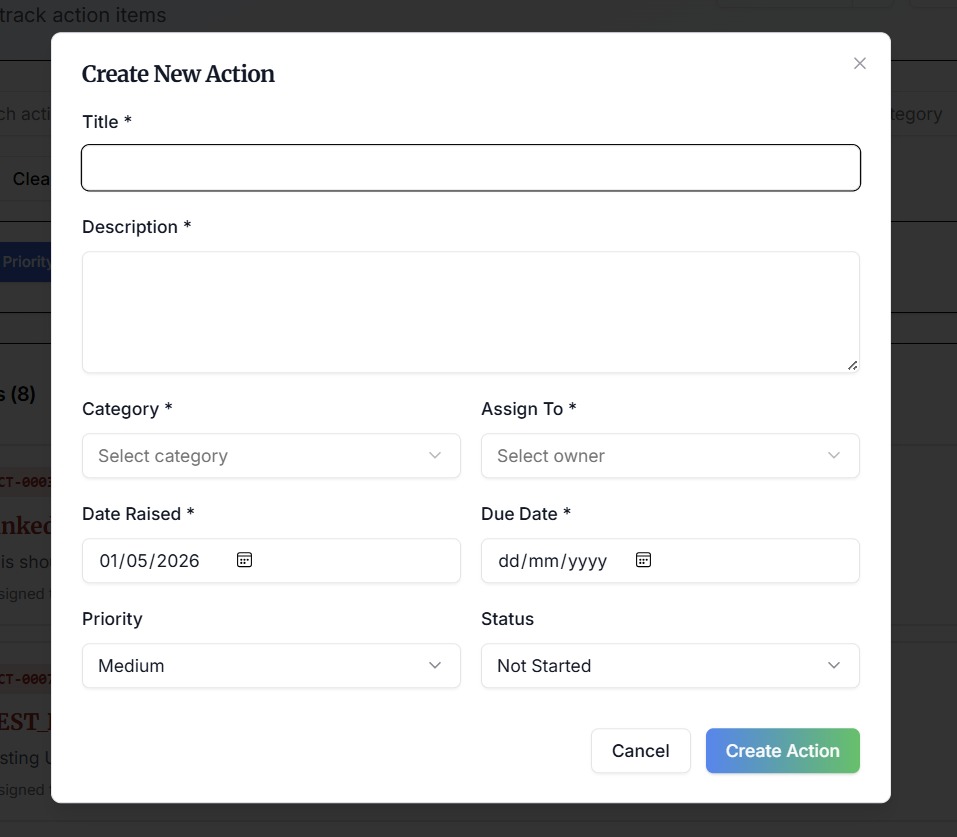
Create actions with owner, category, priority, due date and notes
Statuses: Not Started → In Progress → Deferred → Done
Live Dashboard — totals, completion rate, status donut, priority bar, and assignee load
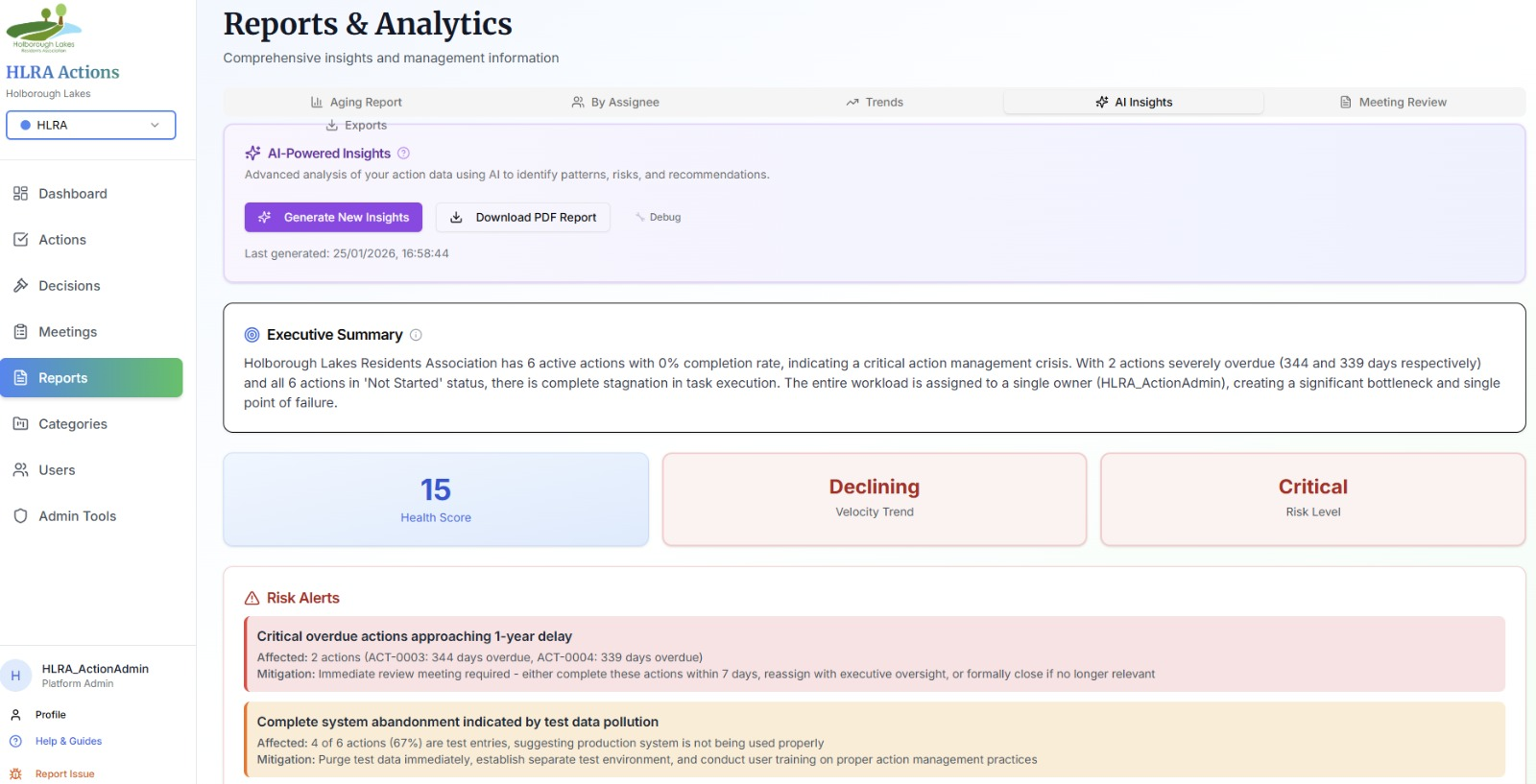
AI Insights — executive summary, health score, velocity trend, and prioritised risk alerts
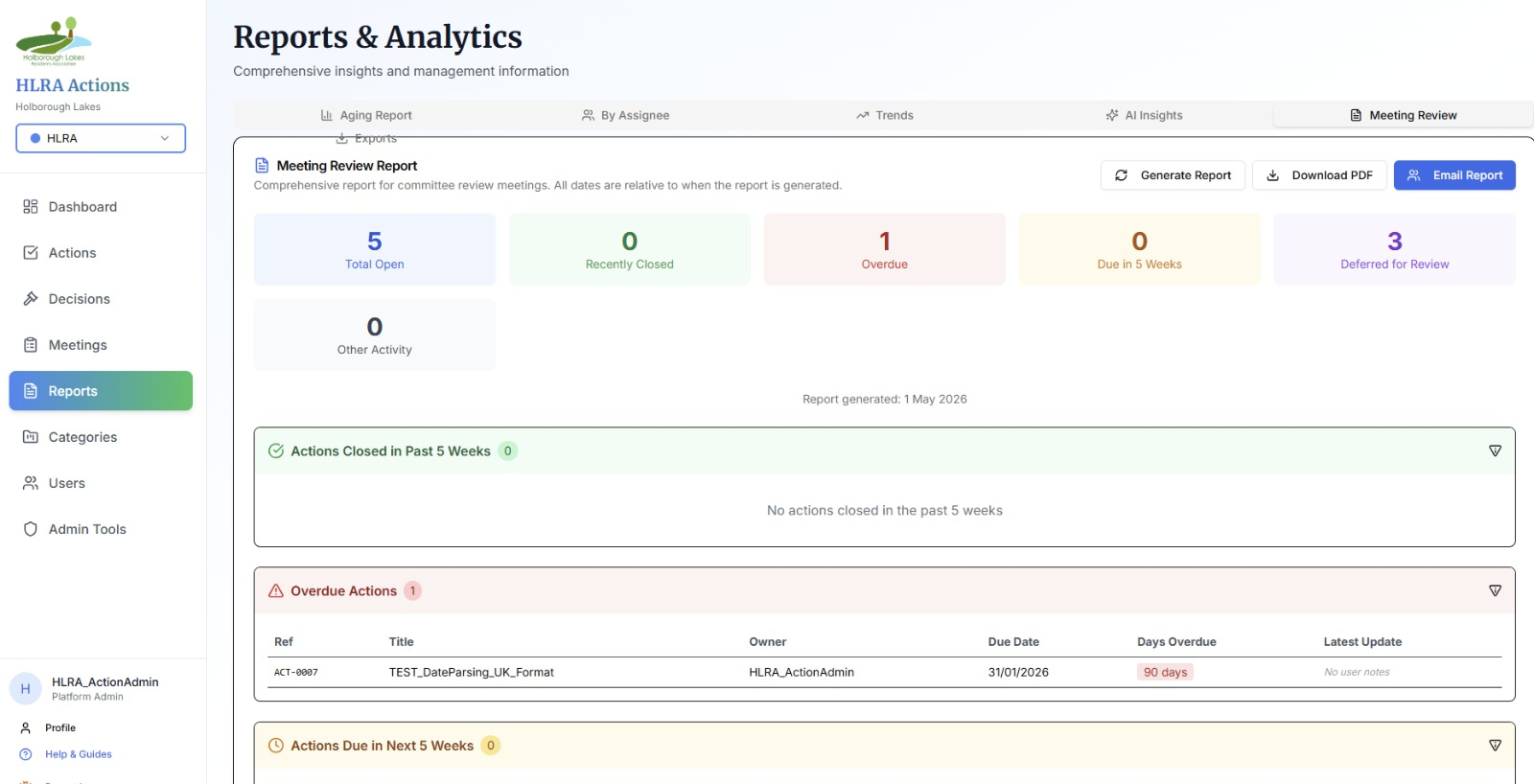
Meeting Review reports — PDF exports with Open / Closed / Overdue / Deferred breakdown
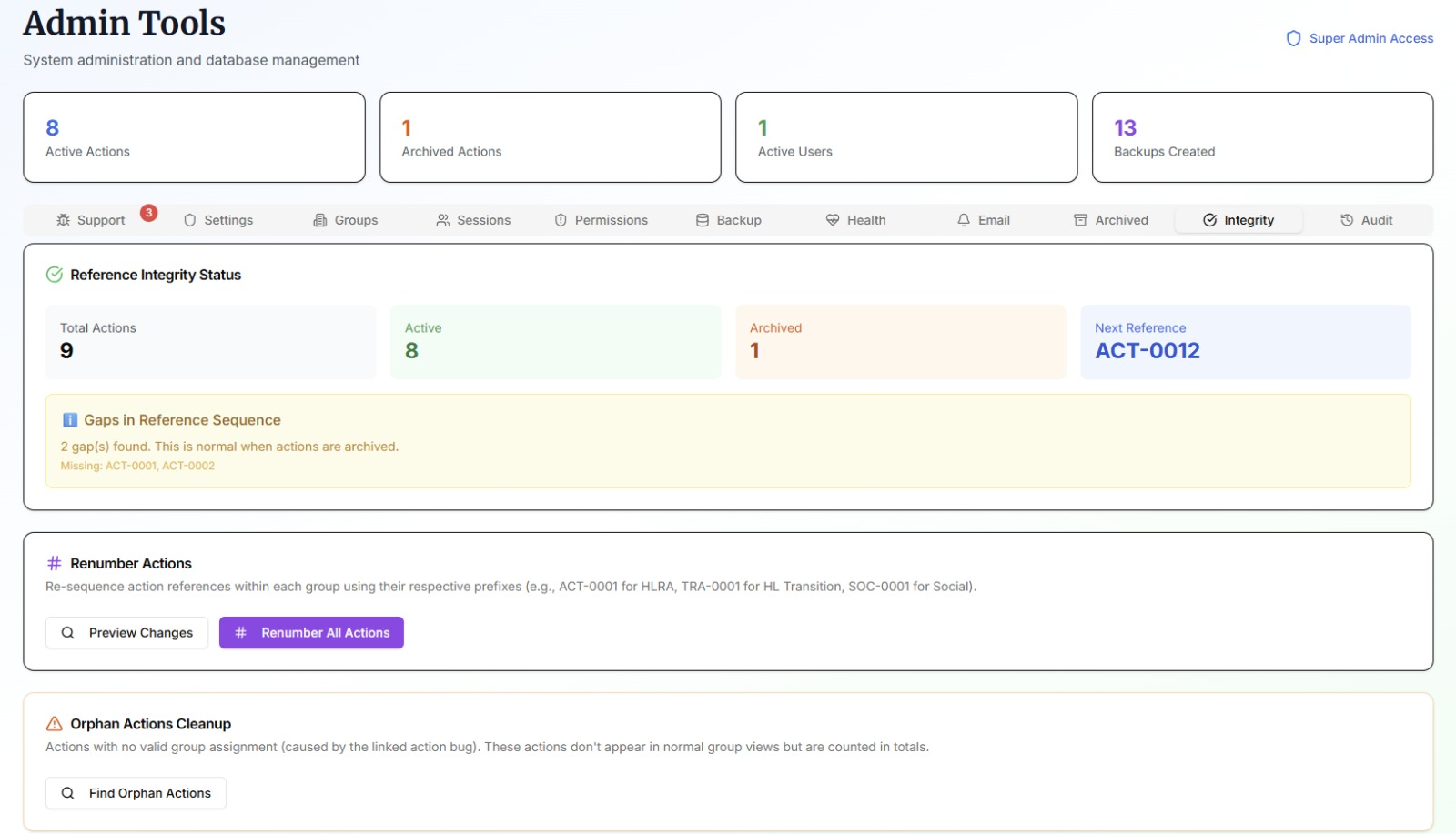
Admin Tools — reference integrity, renumbering, and orphan-action cleanup
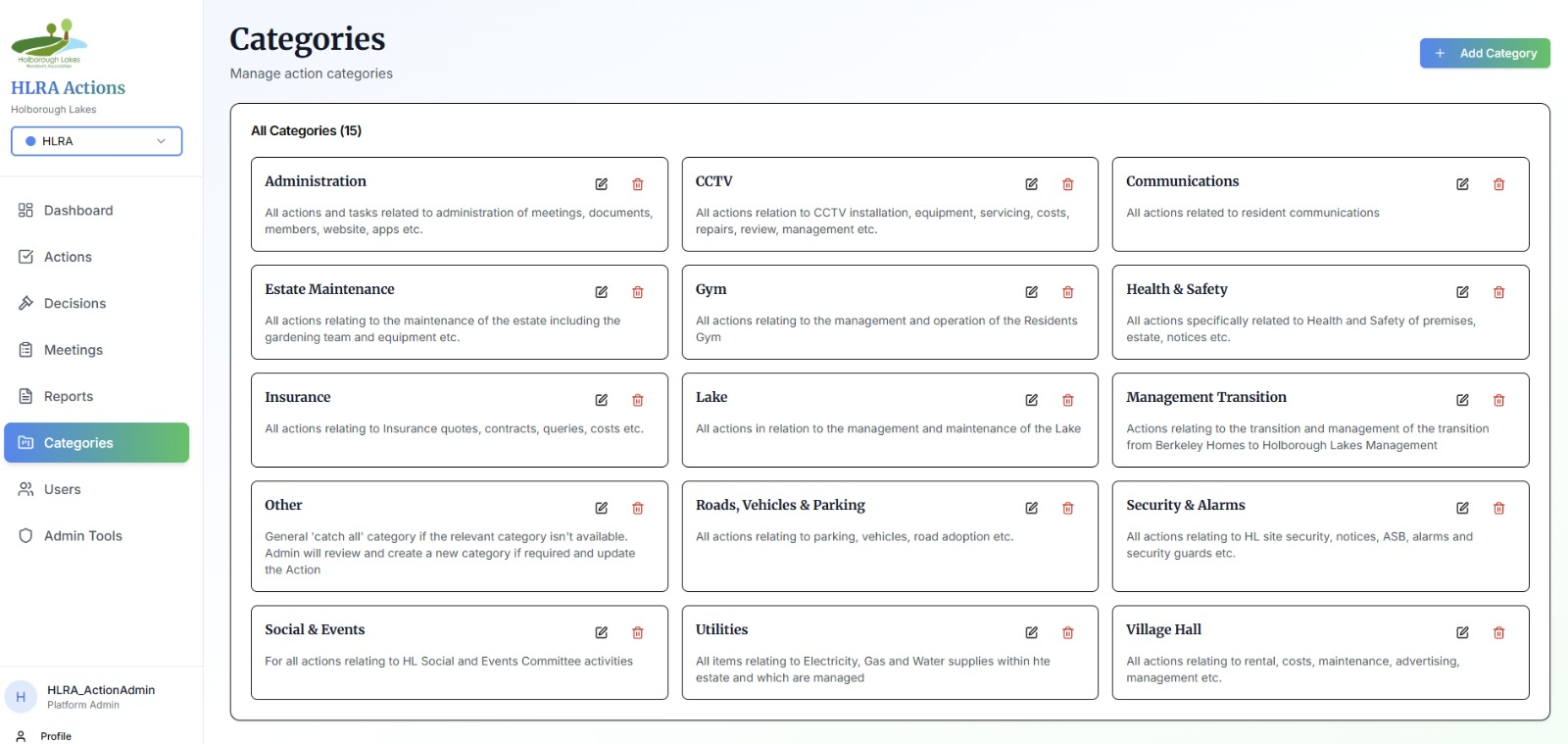
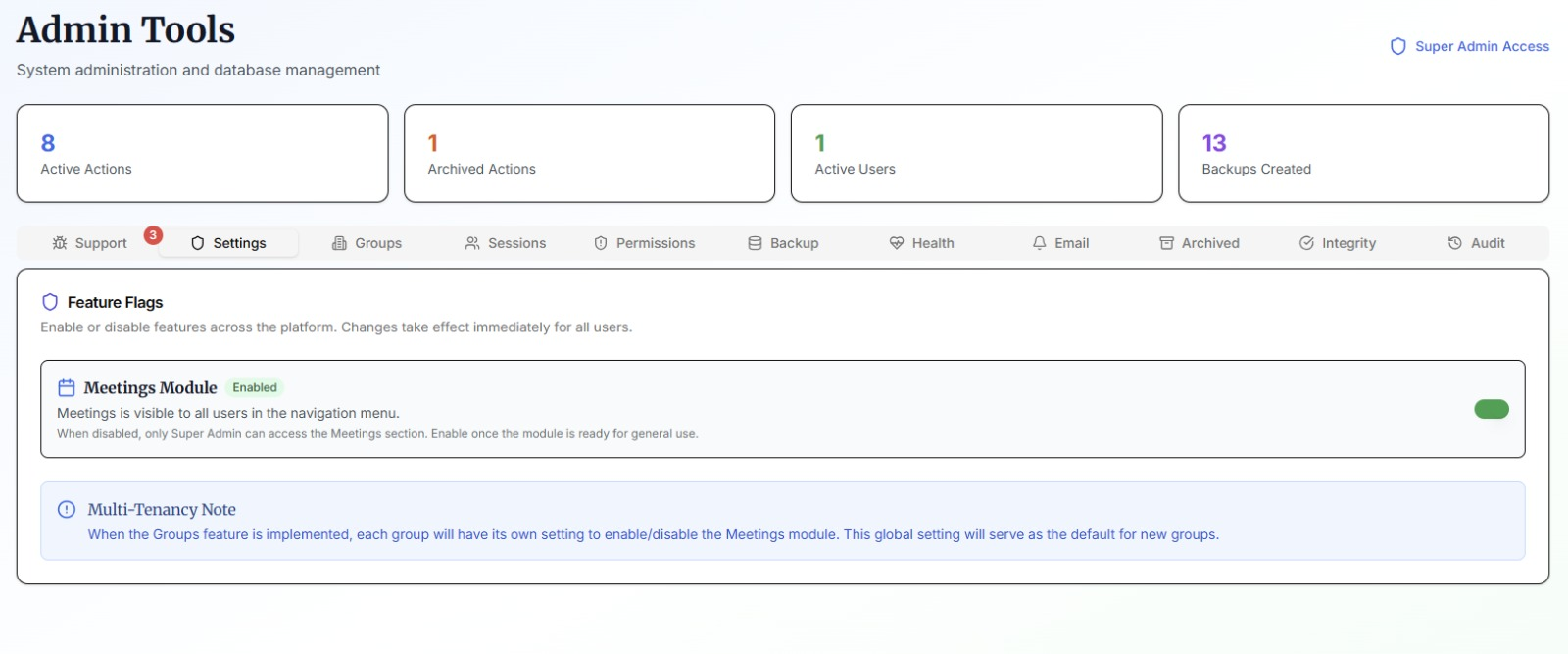
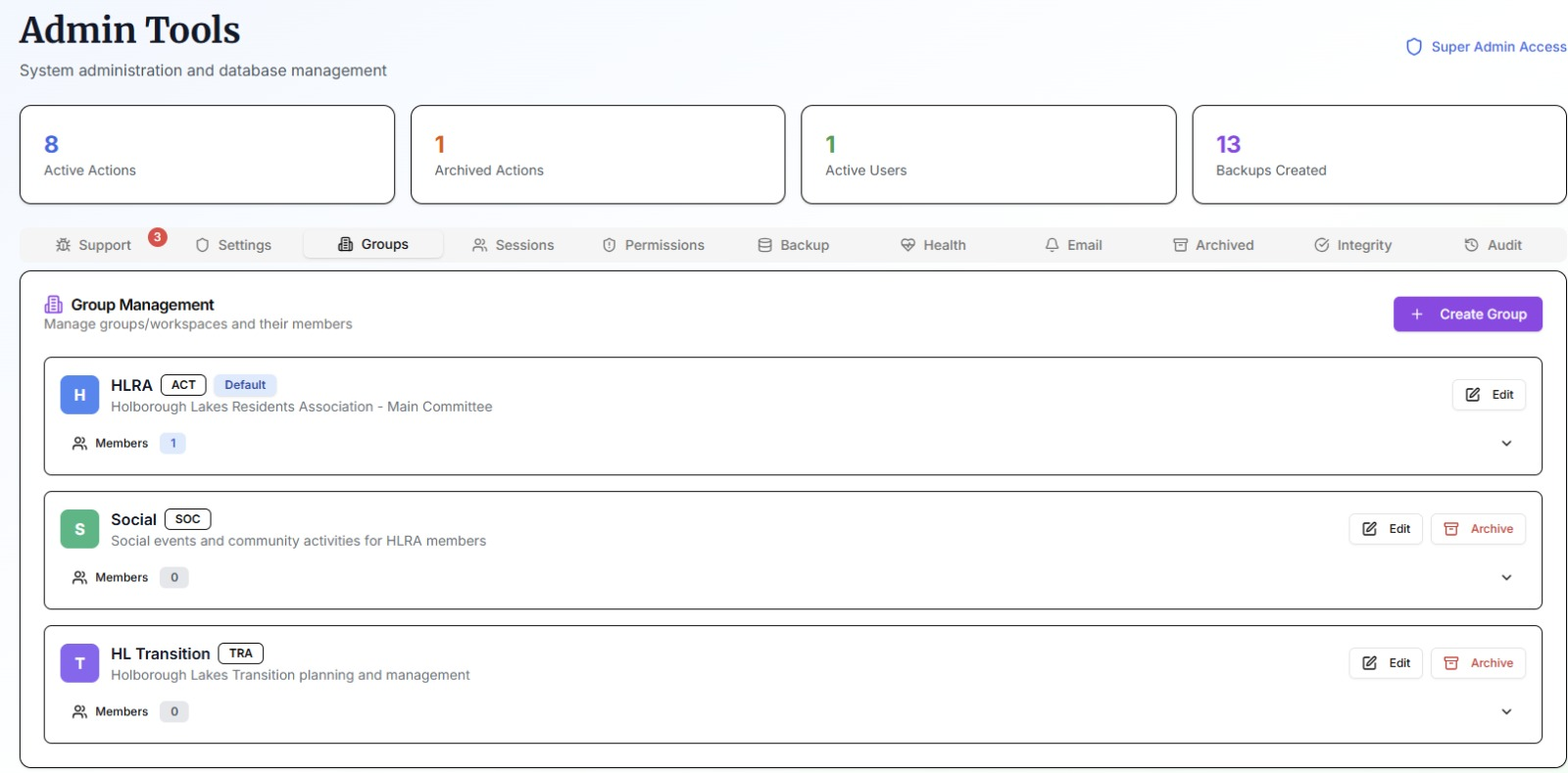
Categories, groups, multi-tenancy, audit trail, and feature-flag control
It's live — not a mock-up
A real, production app you can use today.
Every screen below is from the real, running app. Open the live app to explore it properly.
Open HLRA Action Portal in a new tab.